🩺 Therapy Center Digital System – User Guide
Purpose of this Guide
This guide helps all staff, front desk personnel, and therapists understand how to use the Therapy Center’s new digital system for managing appointments, clients, therapy sessions, and billing. It introduces the main modules, how they connect, and their role in daily operations.
🧩 1. System Overview
The system is designed to simplify how the therapy center manages:
Client Appointments and schedules
Therapy session tracking and progress monitoring
Task assignment to therapists
Quotation, invoicing, and payment tracking
Internal communications and announcements
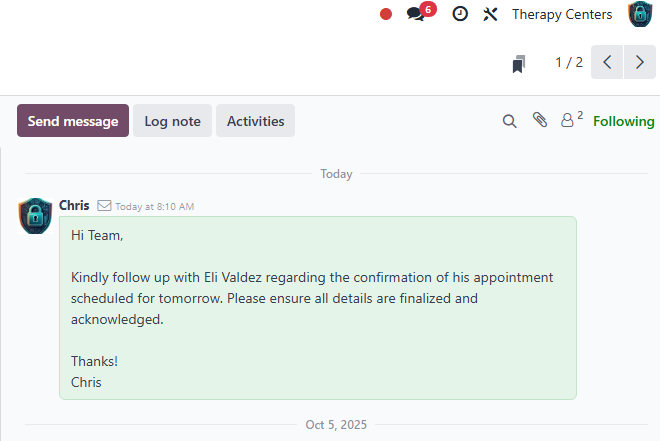
Website updates for news, events, and online booking
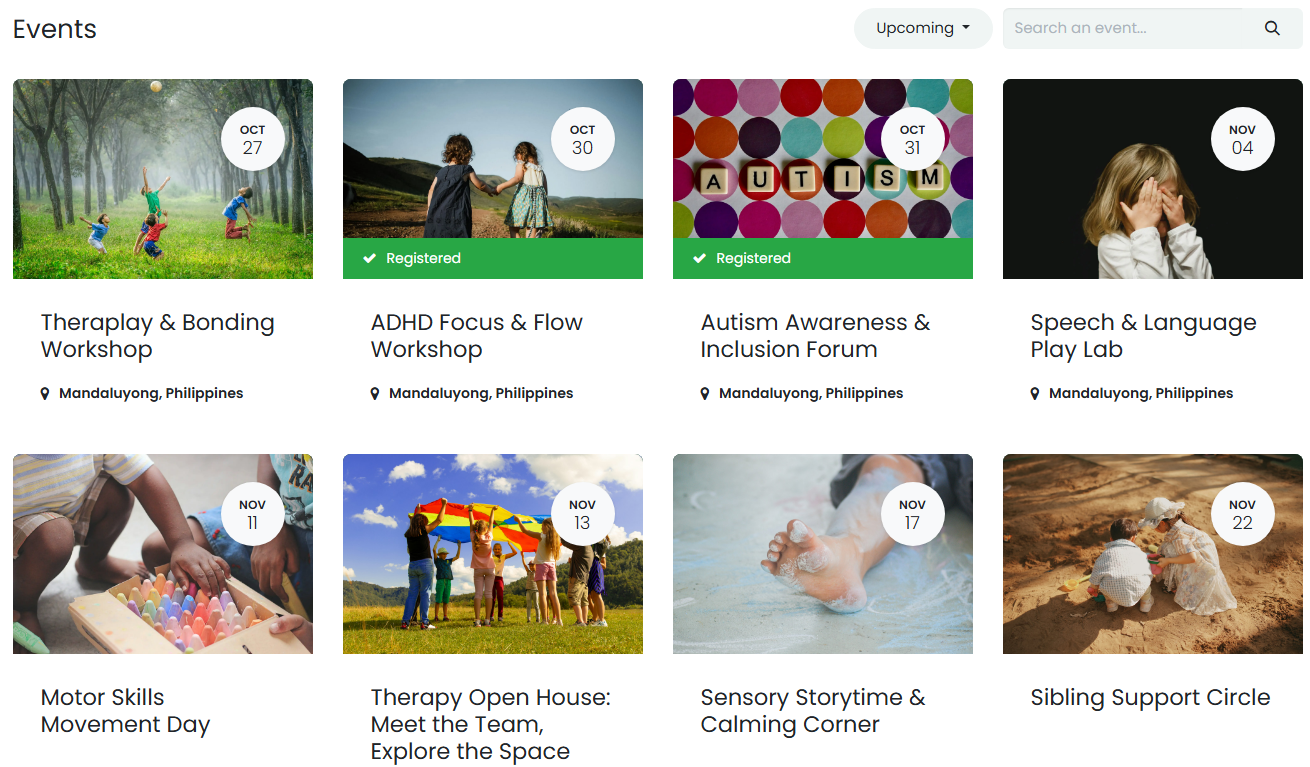
It serves as a centralized platform for both staff and clients.
🧑💼 2. User Roles and Access
| Role | Description | System Access |
| Front Desk / Admin Staff | Manages client inquiries, schedules appointments, prepares quotations, invoices, and monitors payments. | Access to appointments, client profiles, quotations, invoices, and therapy center tasks. |
| Therapists / Staff | Receives assigned therapy sessions, logs session time and progress, updates task status. | Access to assigned tasks, timesheets, and client therapy history. |
| Clients / Parents (Portal Users) | Books appointments, views schedules, quotations, and invoices online. | Access to own appointments, orders, and billing information. |
🧭 3. Module Overview and Functions
3.1. Appointment and Calendar
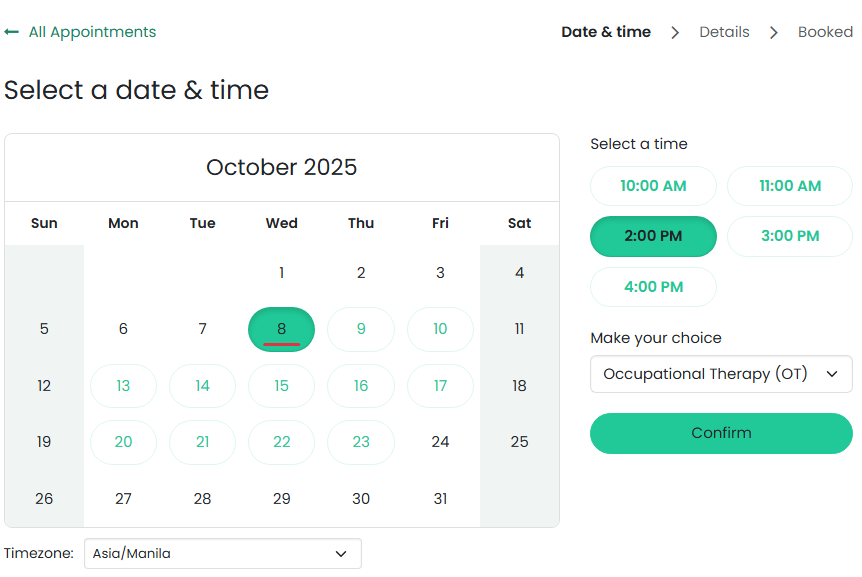
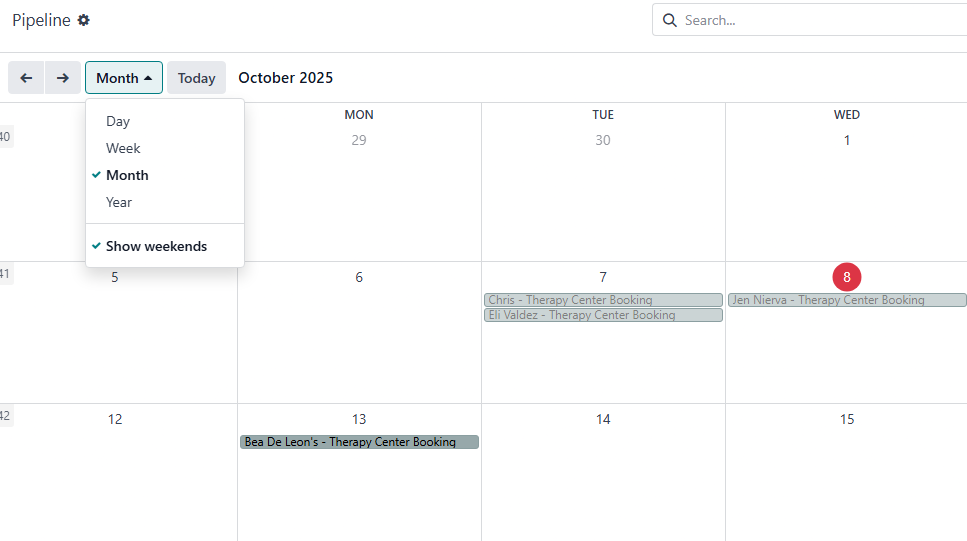
Used for booking client sessions (e.g., Occupational Therapy, Speech Therapy, etc.).
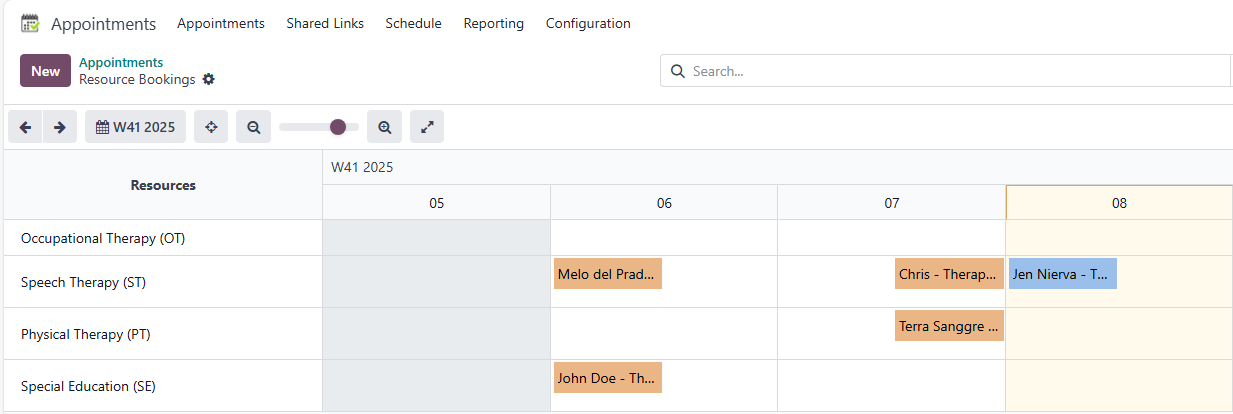
Clients can book directly through the center Website.
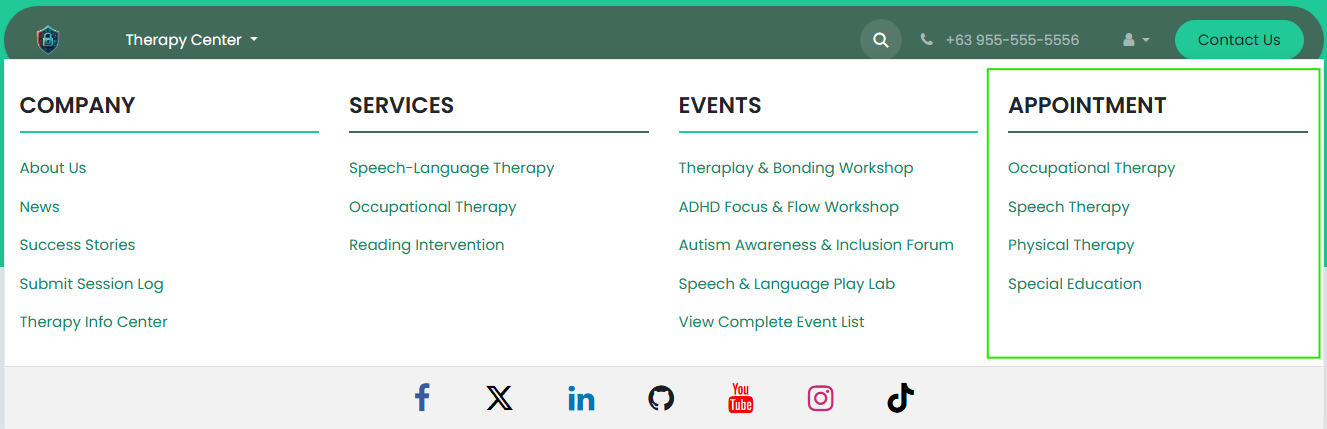
Each appointment slot represents an available therapy schedule (usually per hour).
Once confirmed, it automatically creates a record for follow-up and quotation.

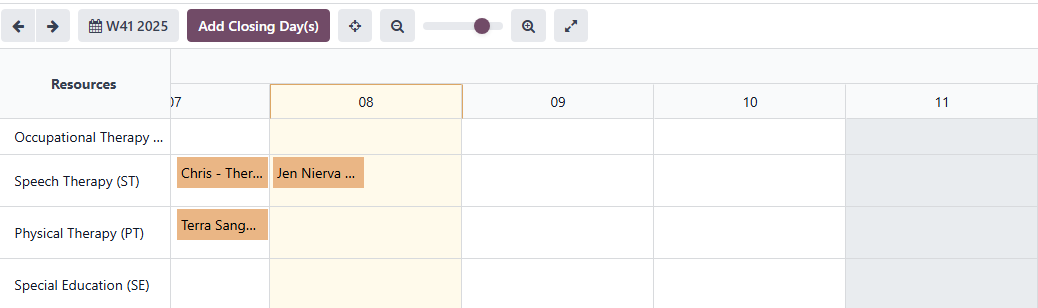
The calendar allows the team to view daily, weekly, and monthly therapy schedules.
3.2. Client Management (Contacts and CRM)
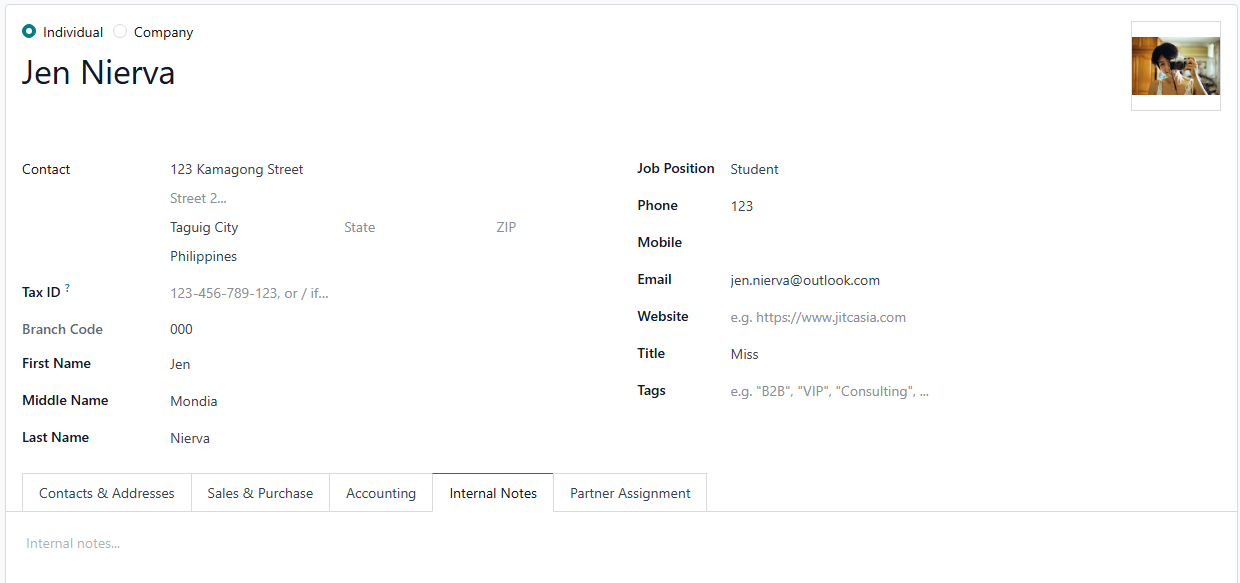
Stores client information (child and parent/guardian).
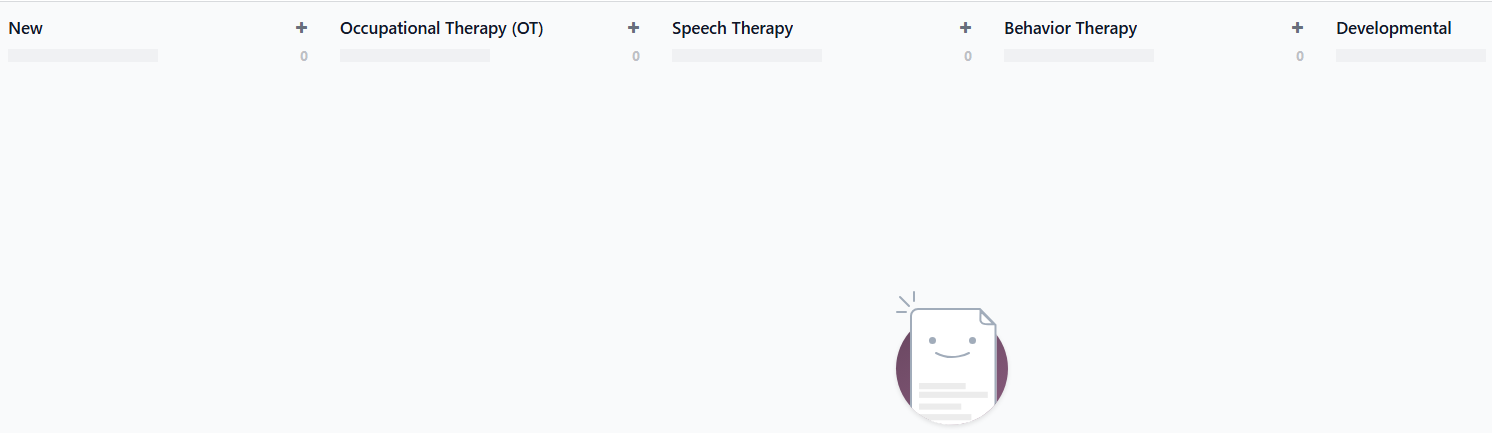
Each new booking automatically generates a Client Opportunity under the front desk’s monitoring list.
Opportunities help track the client’s journey — from booking inquiry → quotation → therapy engagement.
Enables tracking of follow-ups and client communication in one place.
3.3. Sales and Quotations
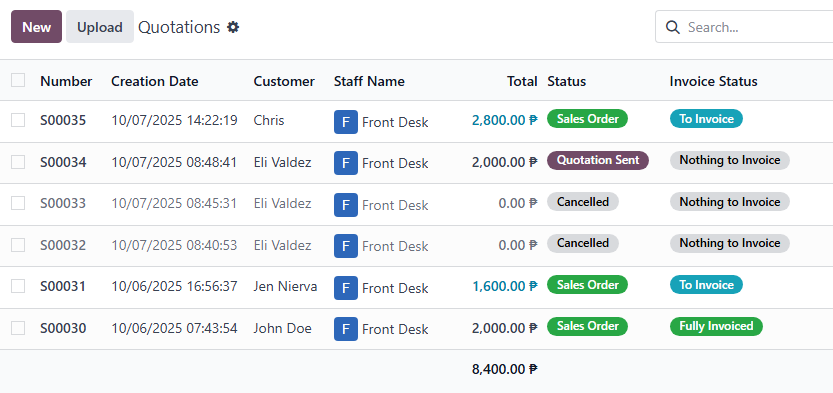
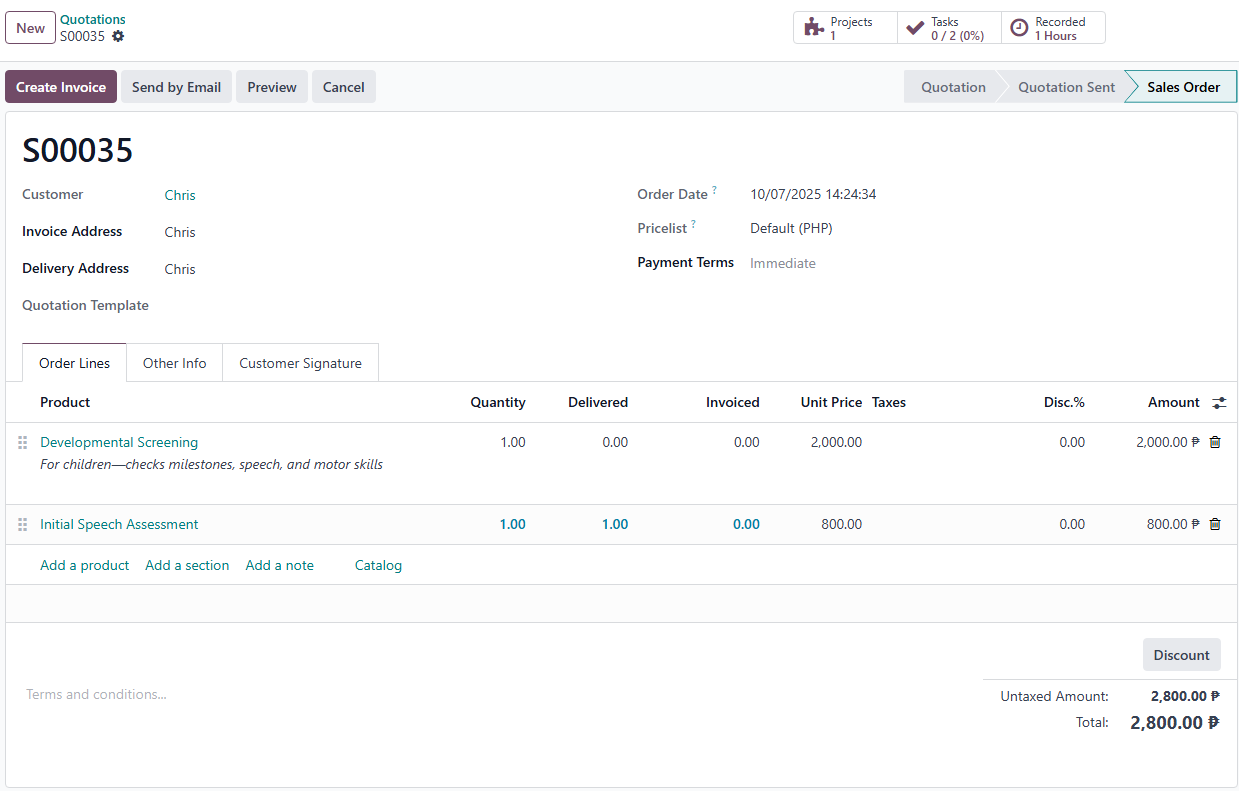
Front desk staff prepare quotations for therapy packages or single sessions.
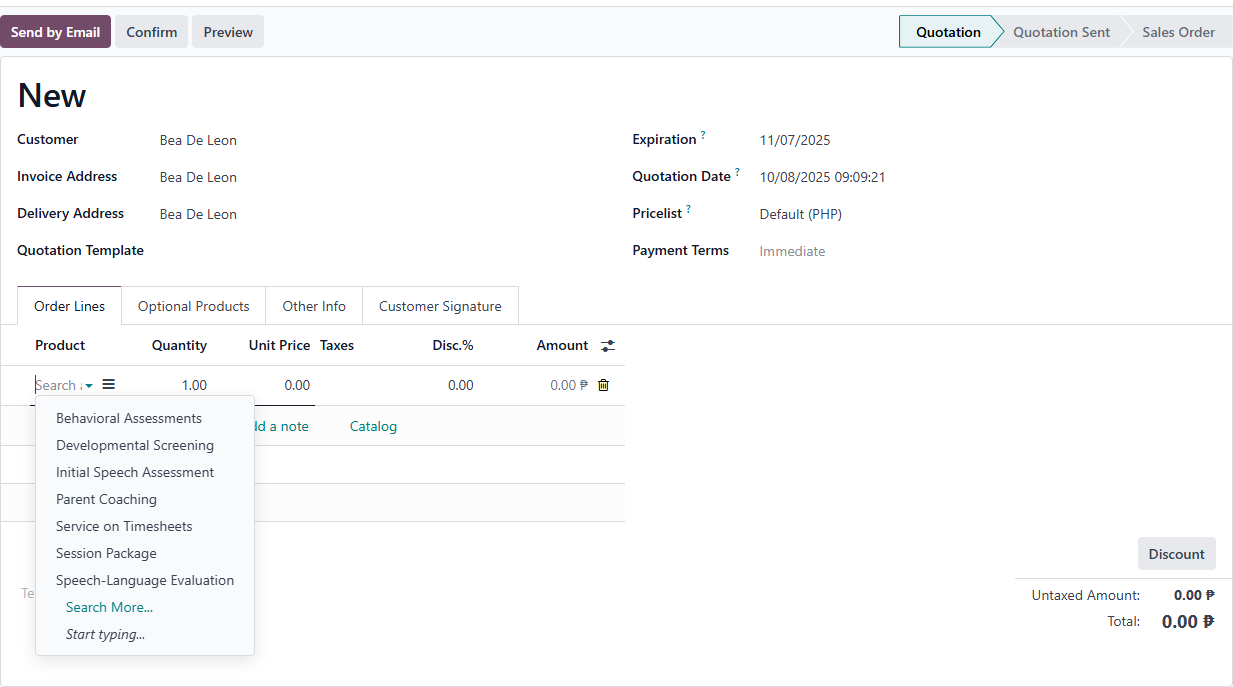
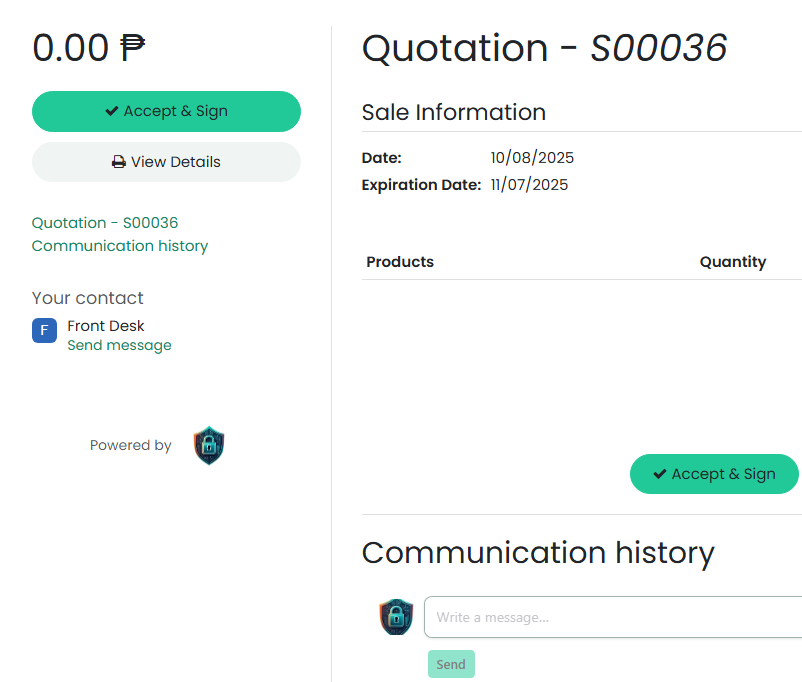
Quotations can be shared with clients online for review and digital signature.
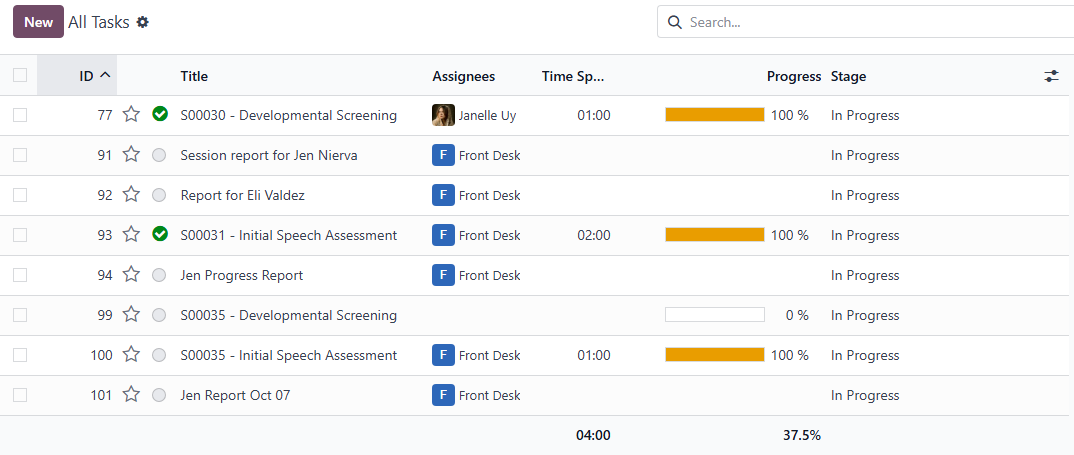
Once confirmed, the system automatically creates a therapy task for scheduling and therapist assignment.
Enables transparent communication between client and center regarding pricing and services.
3.4. Project and Task Management
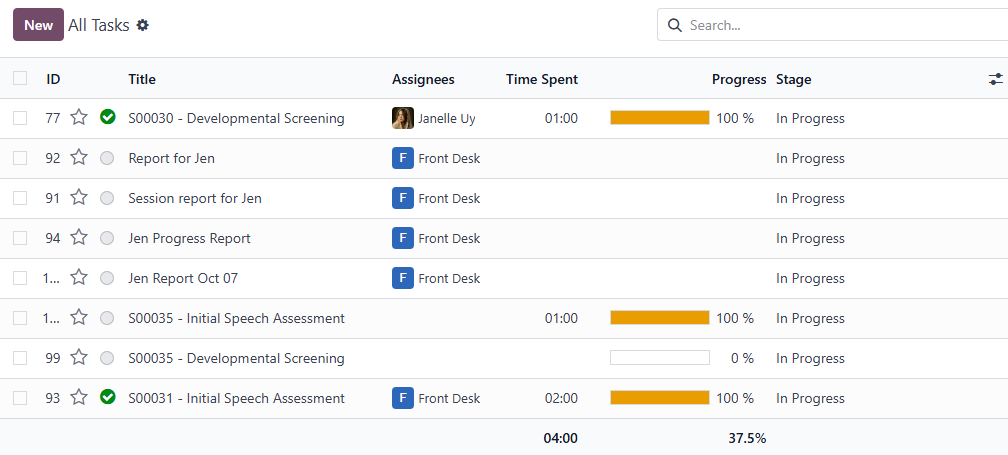
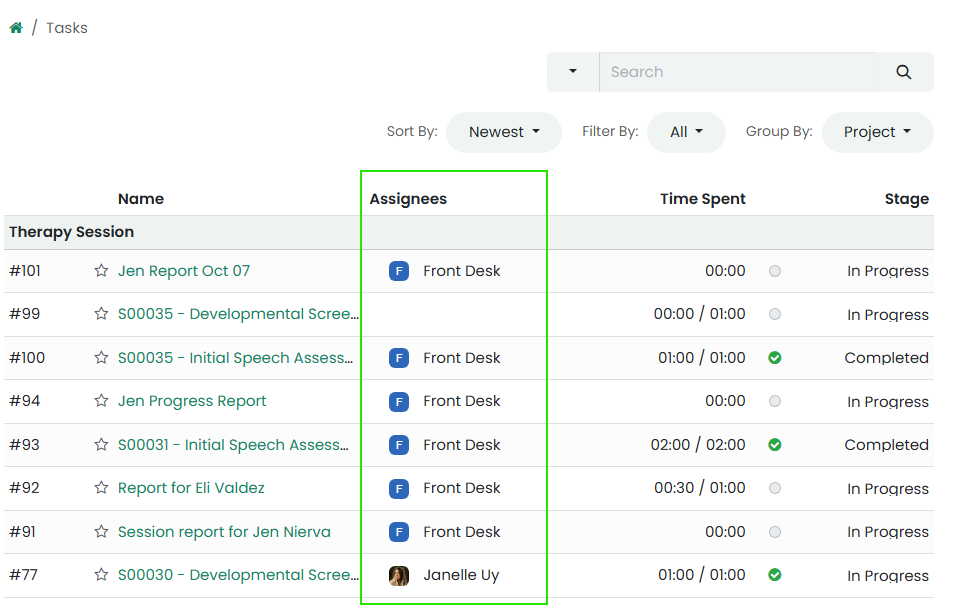
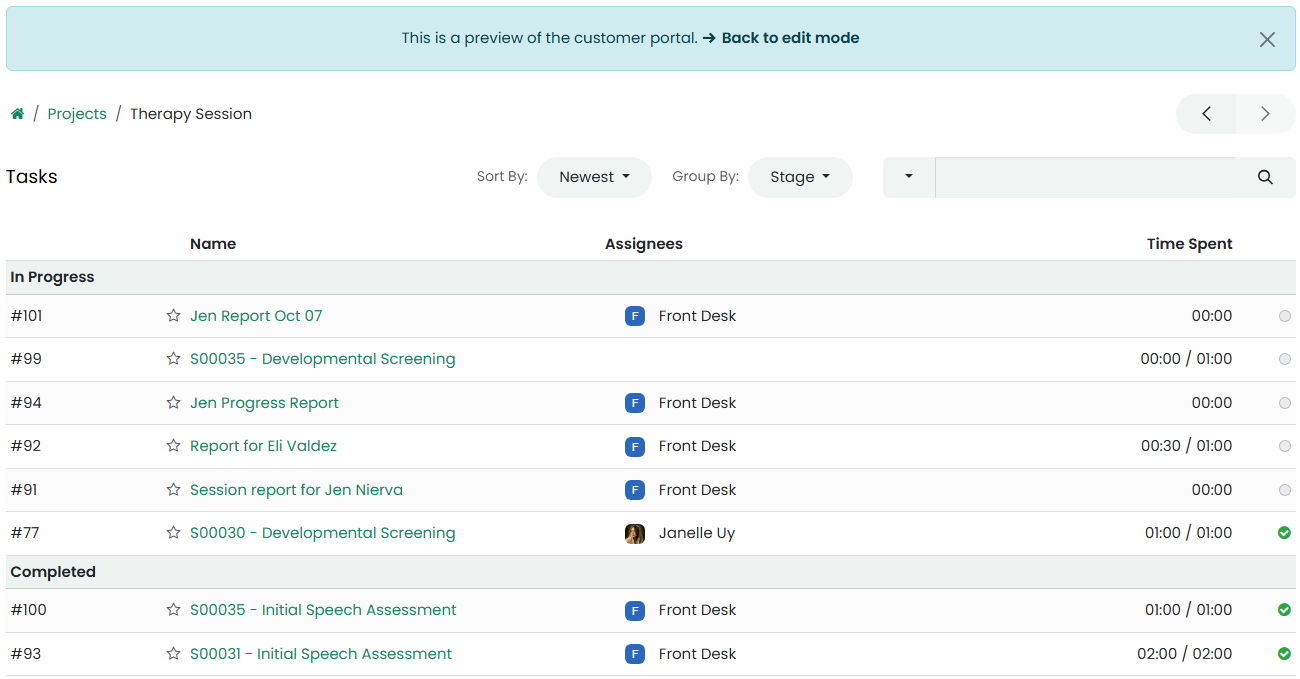
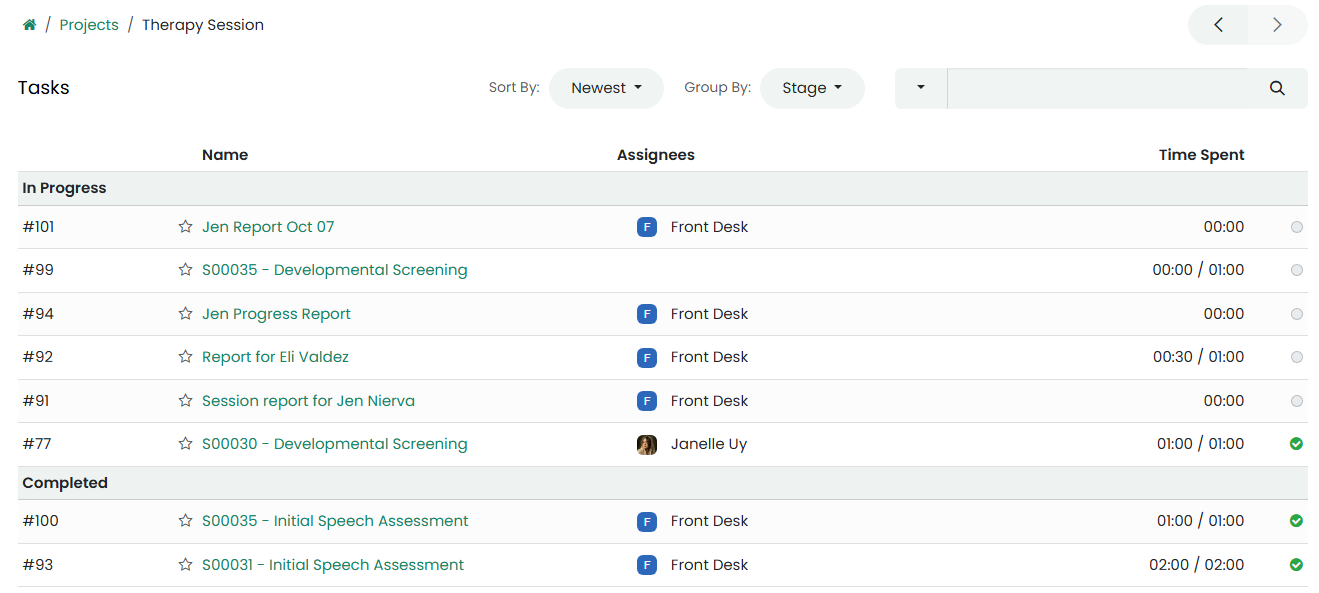
Each therapy session or package is created as a Task under a specific project (e.g., “Occupational Therapy Clients”).
Front desk or supervisor assigns the task to a Therapist.
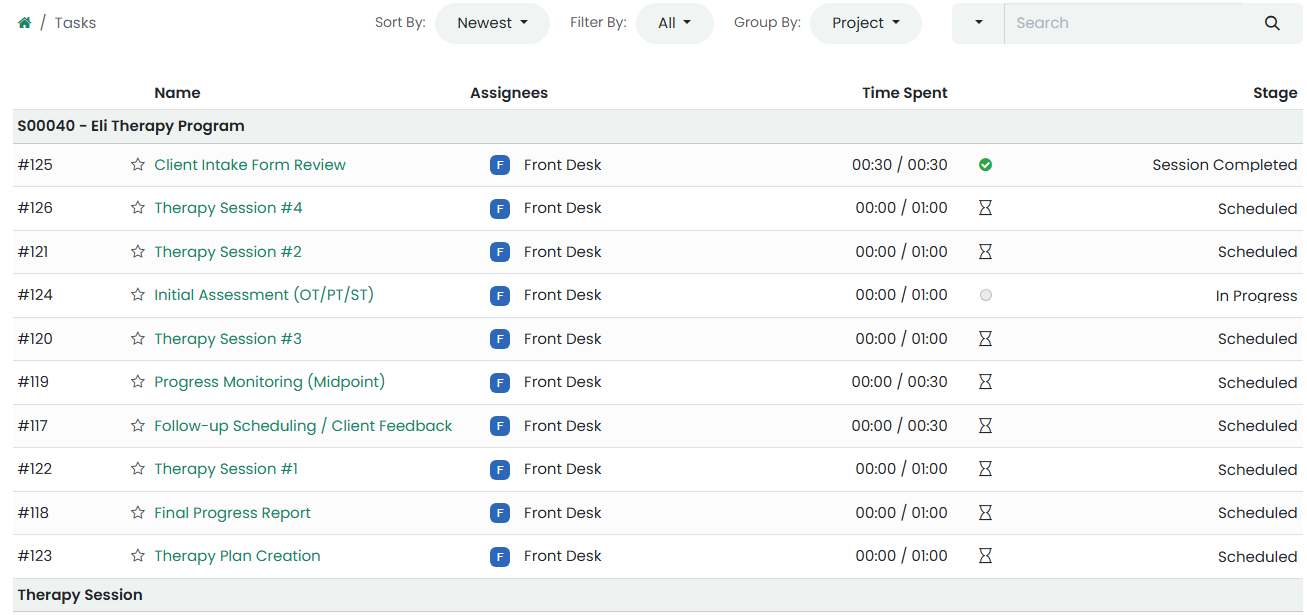
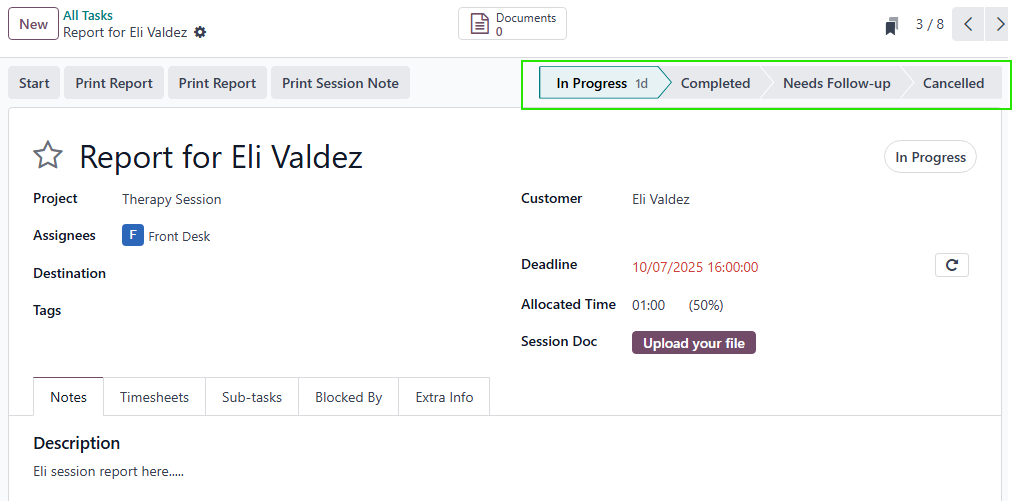
The task contains all session details: client name, session plan, duration, and notes.
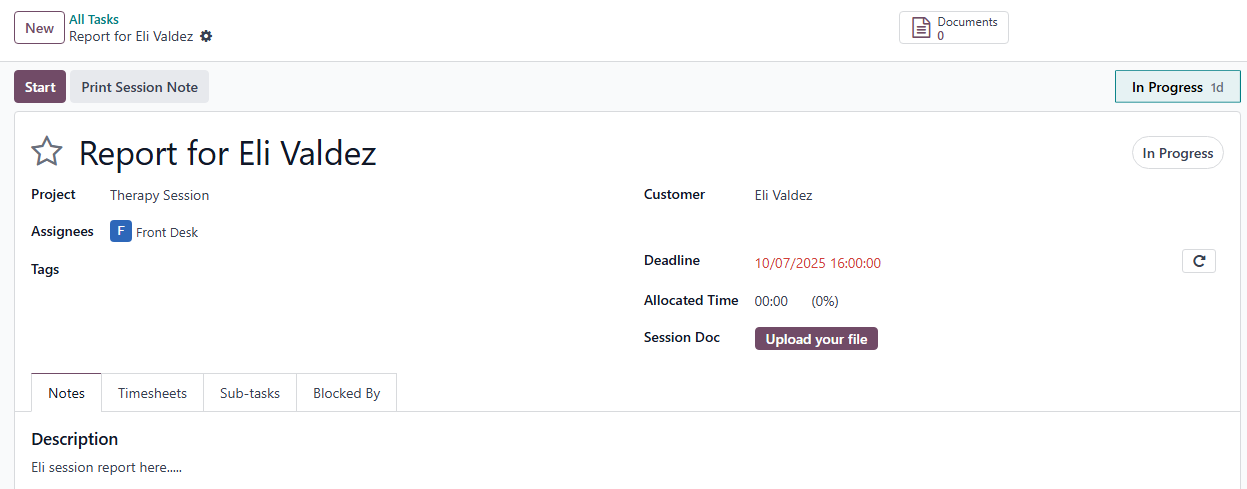
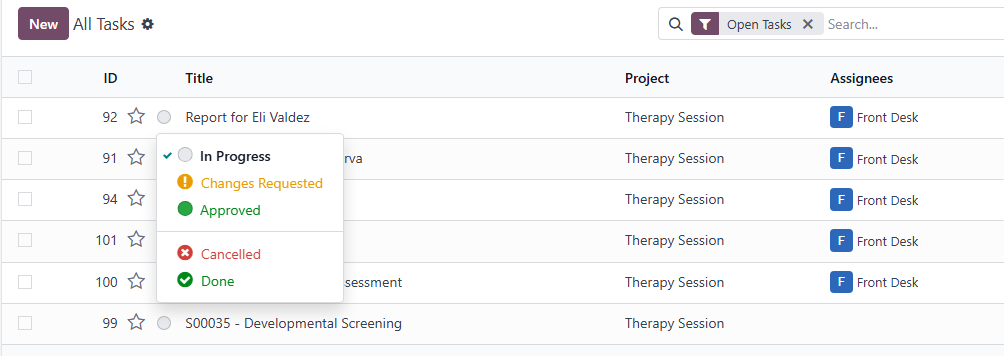
Therapists update progress and completion status directly within the task view.
3.5. Timesheet and Progress Tracking
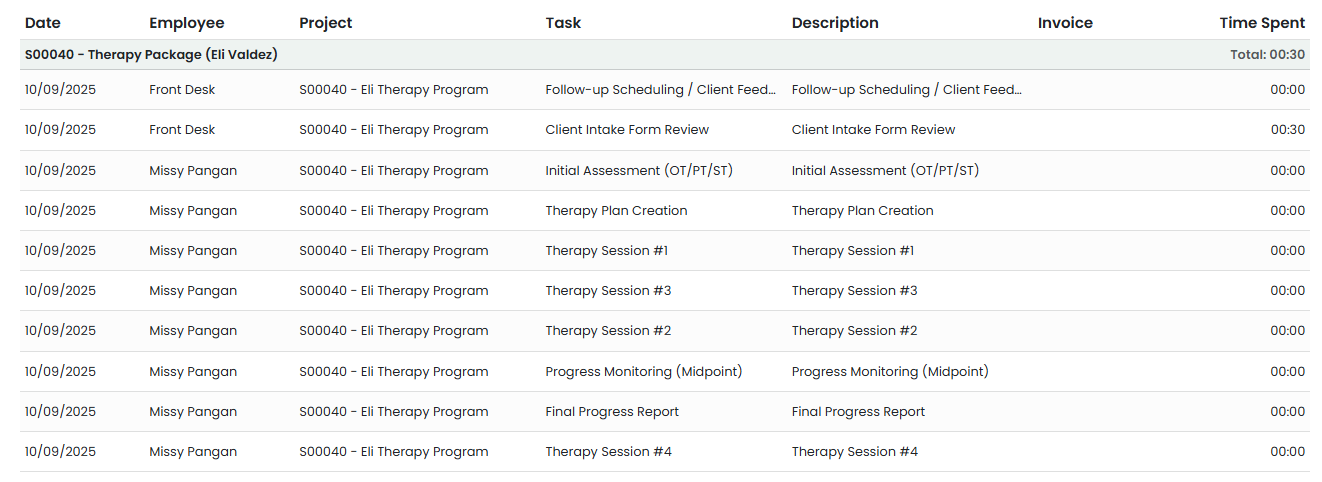
Therapists can log their session time and progress notes after each therapy session.
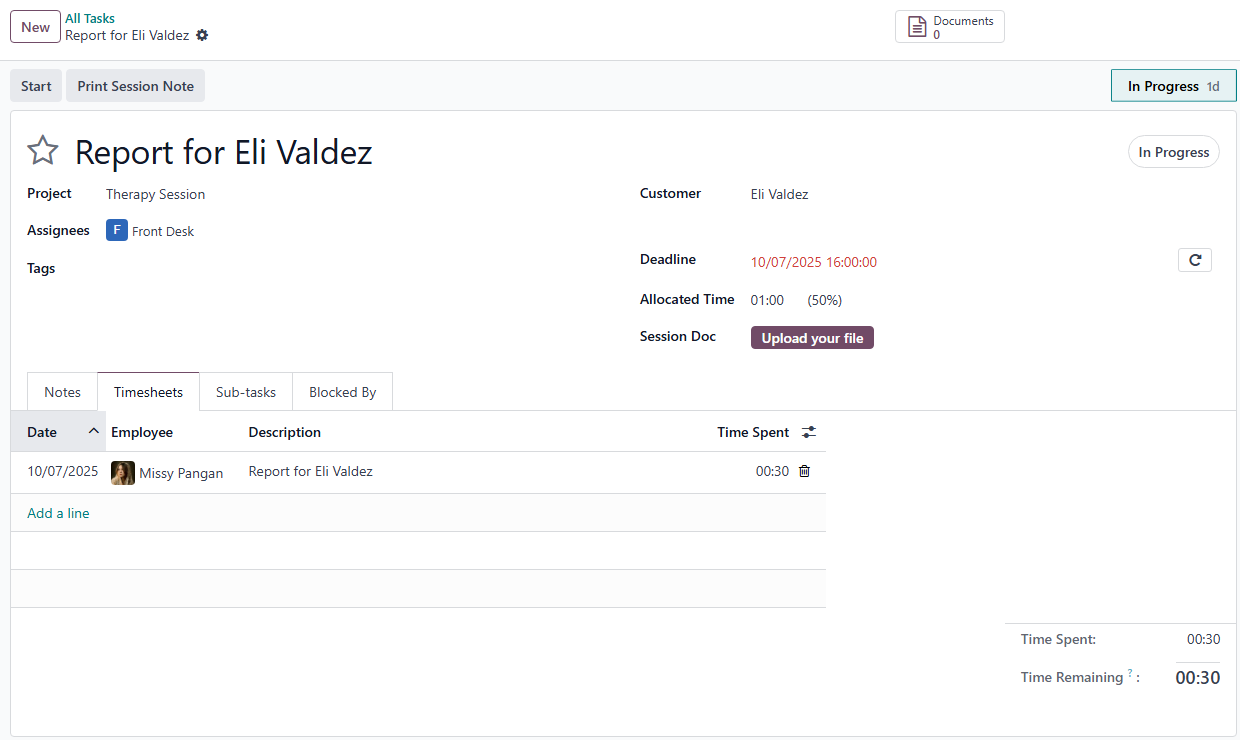
Timesheets help monitor how much time has been spent per session or package.
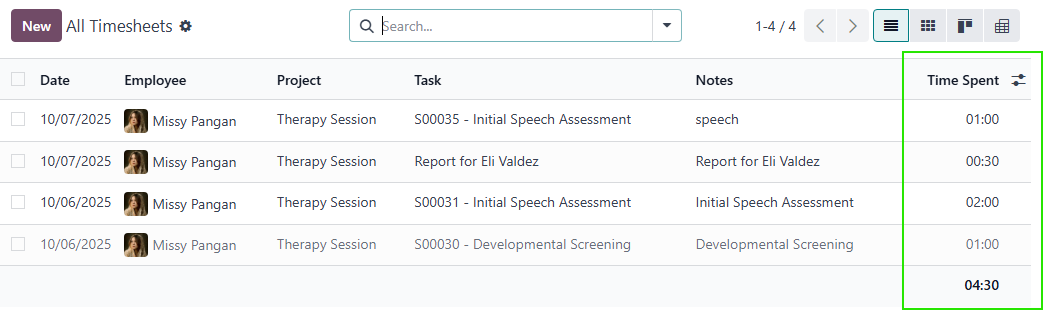
Enables the front desk to verify completed sessions before generating invoices.
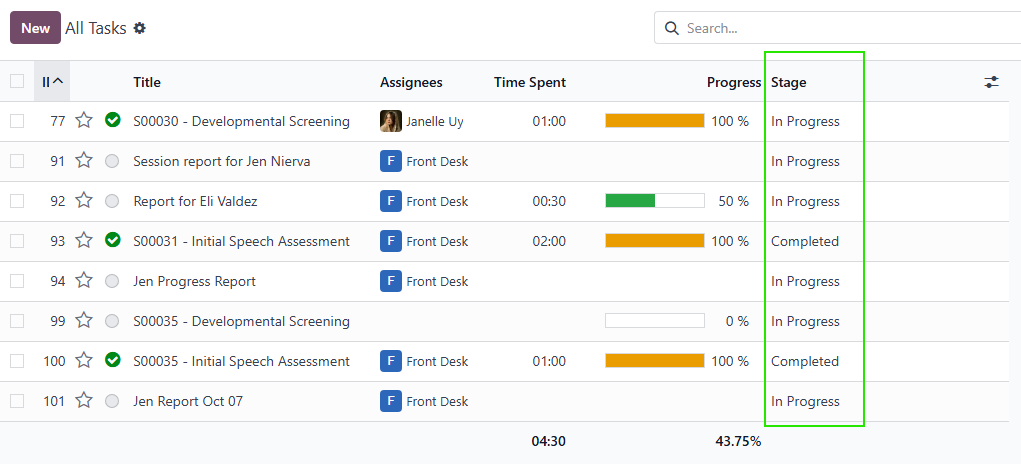
Statuses include: In Progress, Completed, Needs Follow-up, or Cancelled.
3.6. Invoicing and Payment Collection
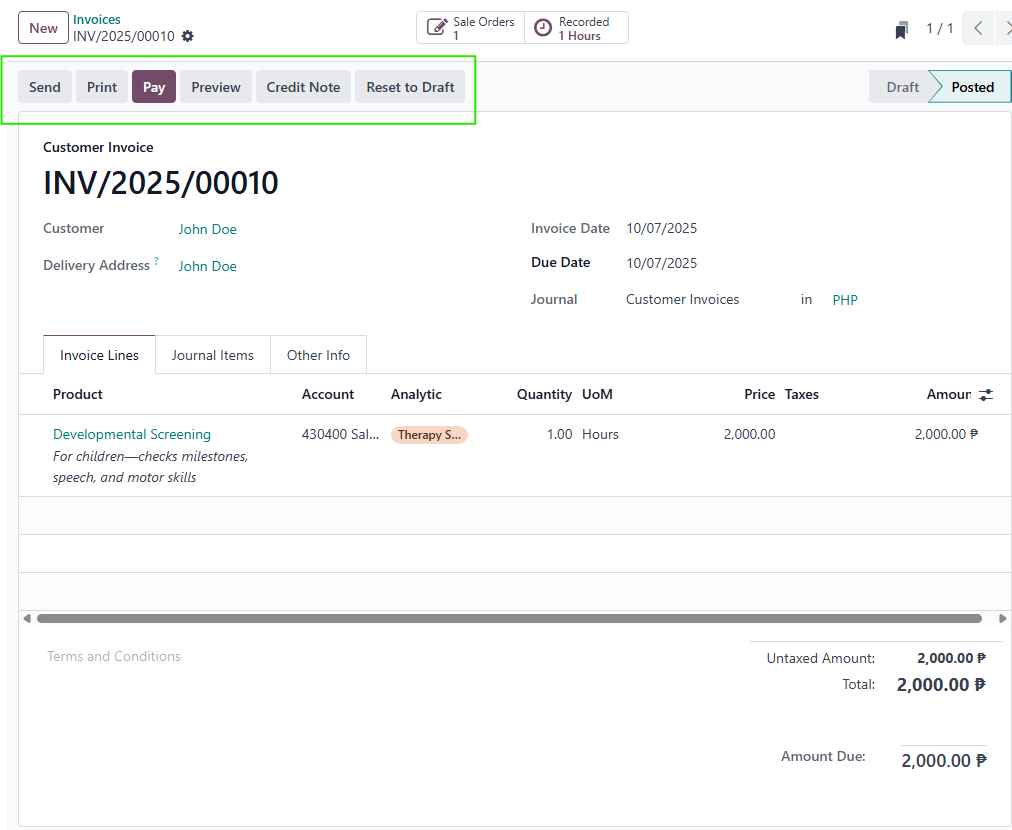
Once a task is marked as Completed, the front desk can generate an Invoice.
Payments can be recorded as:
Full payment
Partial payment
Package credit usage (for prepaid clients)
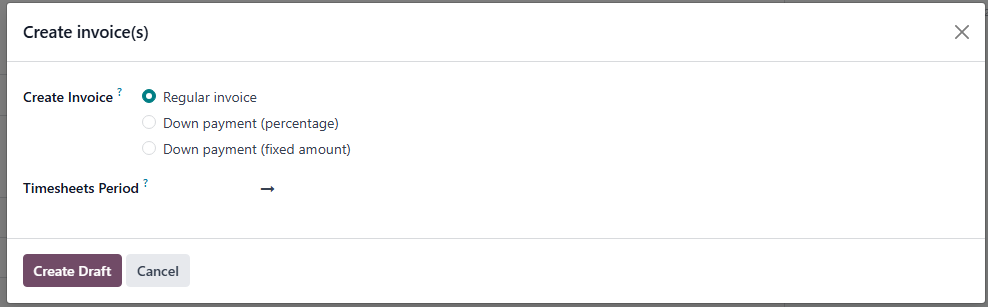
Payment confirmations can be printed or sent to clients via email.
3.7. Website, News, and Events
The website serves as the client-facing portal.
Clients can:
Read announcements, therapy tips, and event updates.
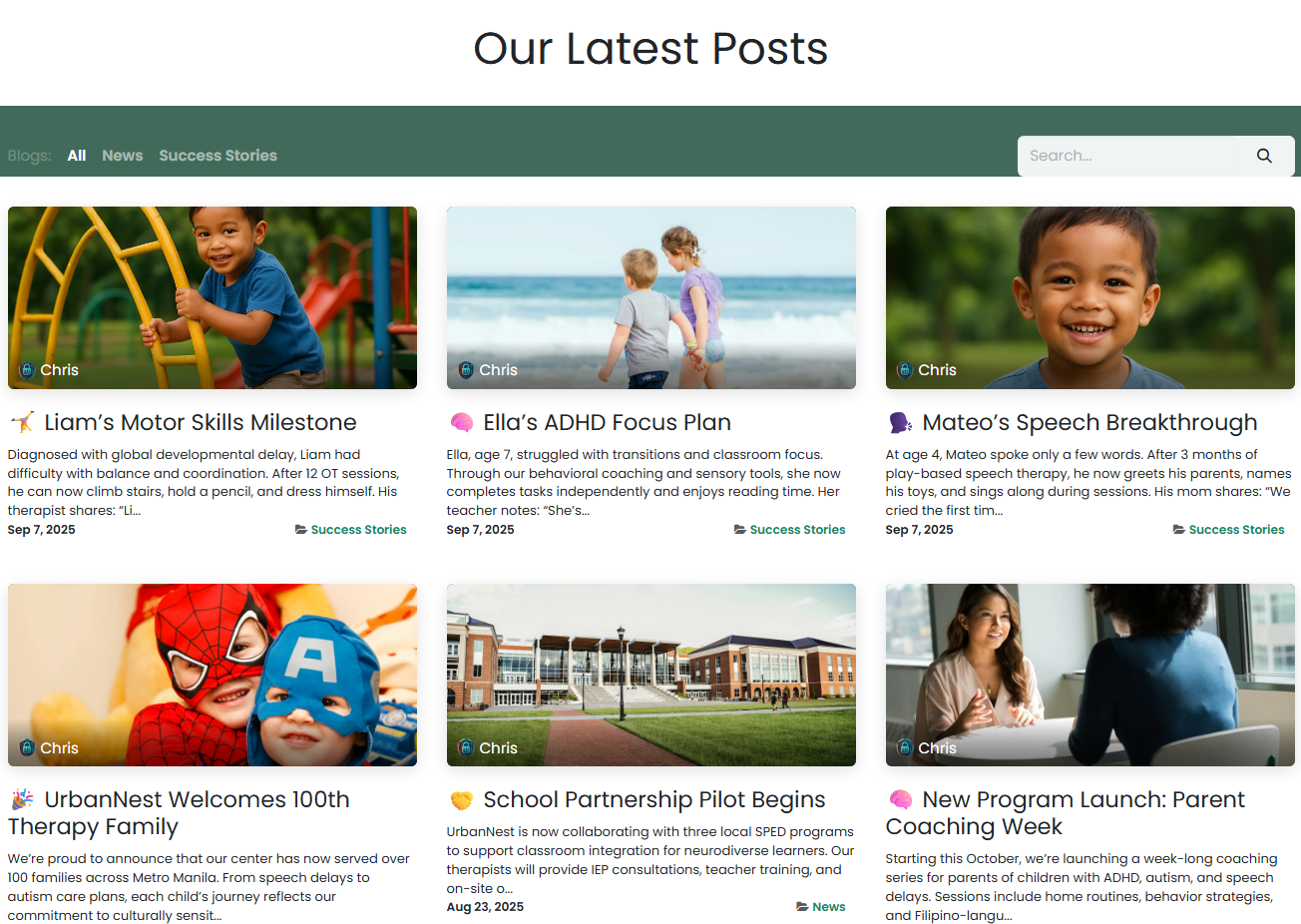
Book appointments online.
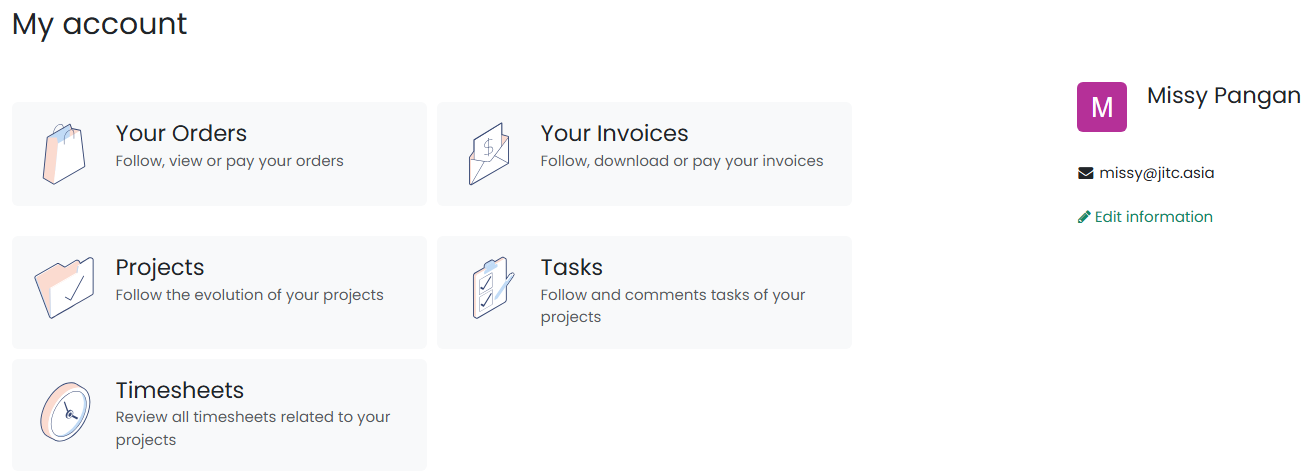
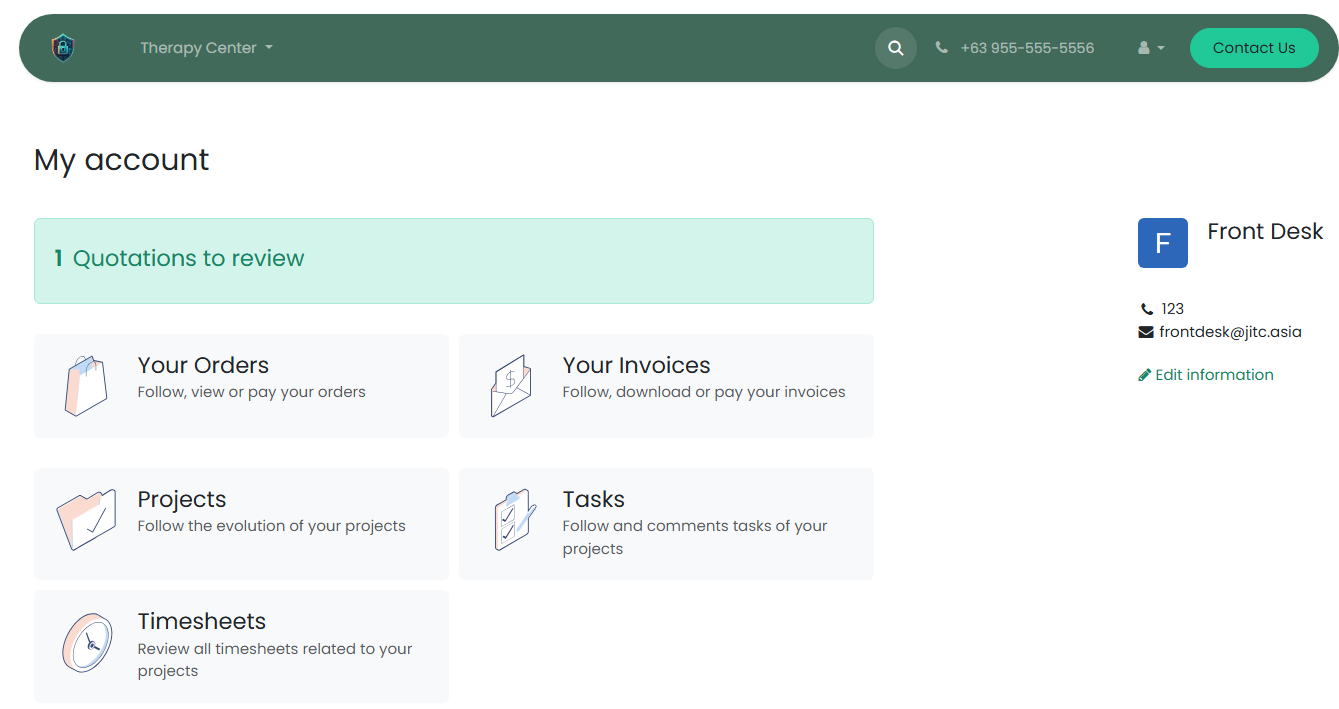
Access their account for appointments, quotations, and invoices.
Administrators can easily post new articles, updates, and photos.
3.8. Knowledge and Internal Communication
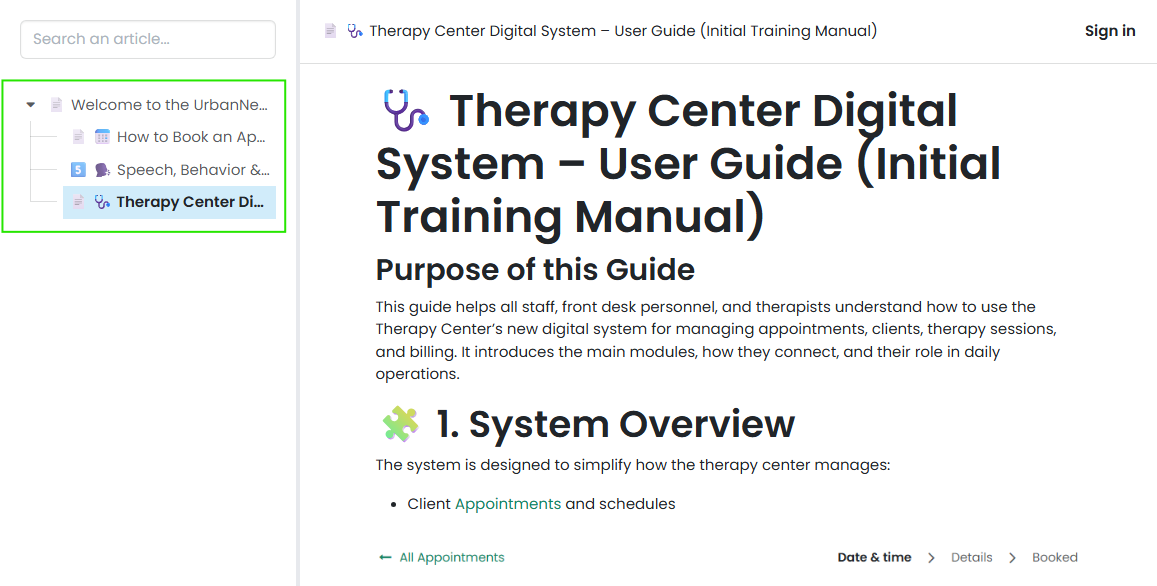
Staff can use the Knowledge section to store therapy guidelines, forms, policies, or checklists.
It acts as an internal wiki for best practices and procedural documentation.
For communication, staff can use the built-in Messaging and To-Do tools to collaborate and stay updated.
3.9. Employee and Planning
Contains records of all center staff and therapists.
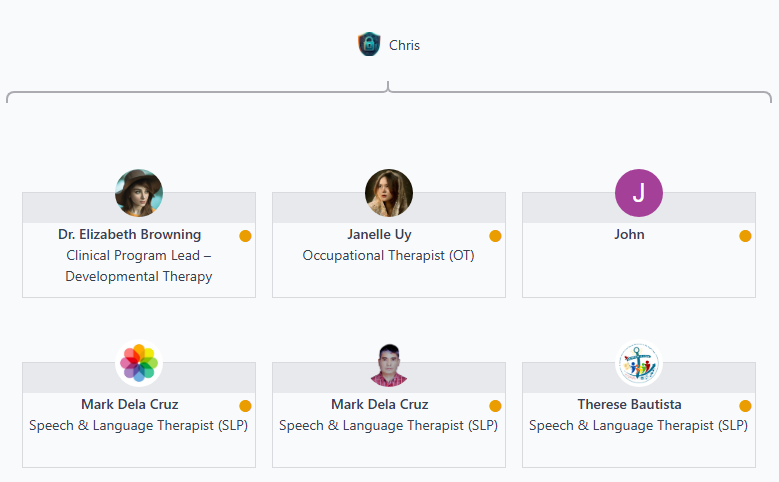
Used for assigning sessions, tracking workloads, and monitoring attendance.
The Planning section helps visualize weekly therapist schedules and session distribution.
📱 4. Client Portal Access
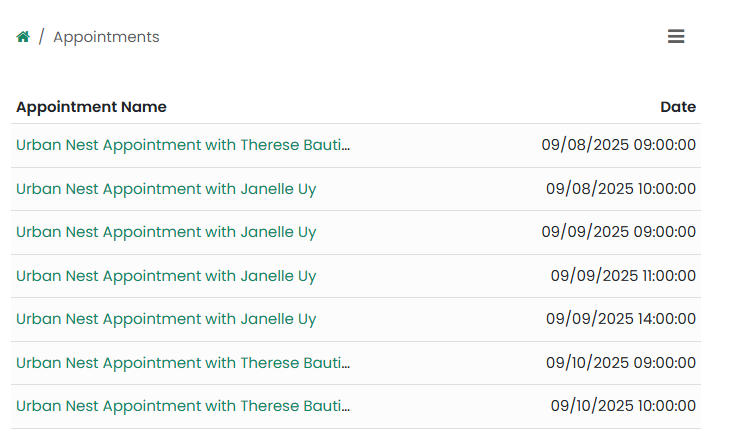
Clients can log in through the website to:
View and manage appointments
Review and sign quotations
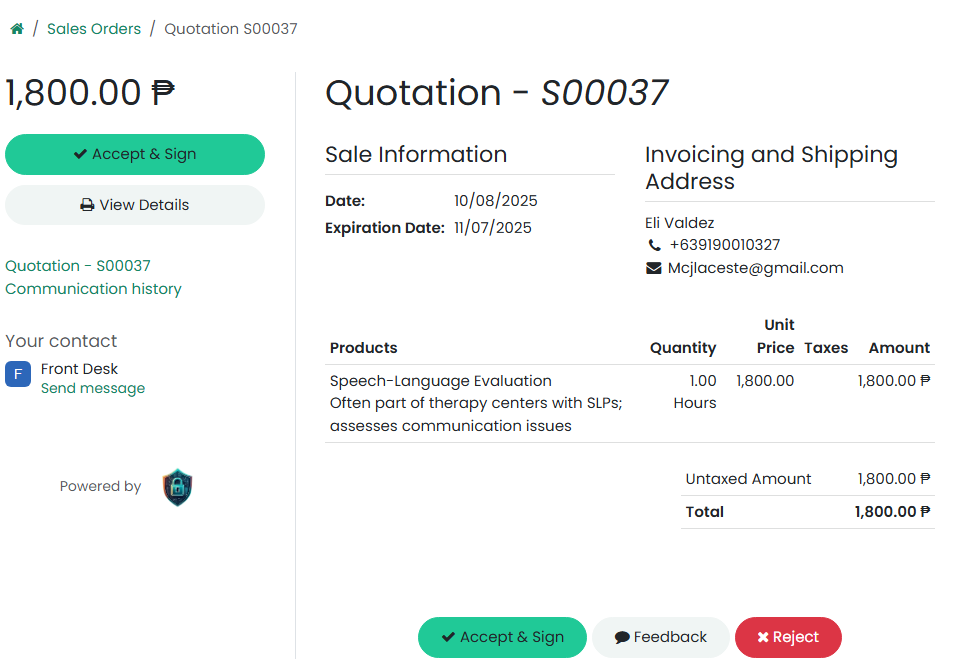
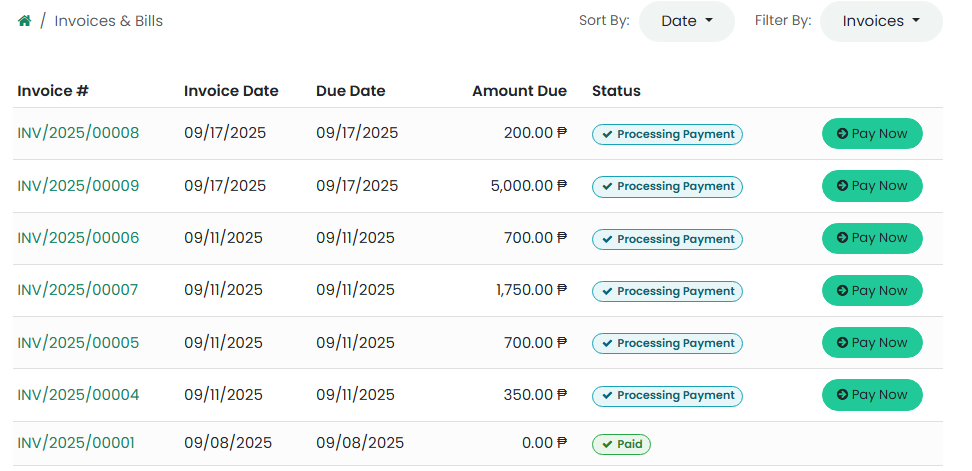
Download or pay invoices
Track therapy session progress
This ensures transparency and convenience for families.
🧑⚕️ 5. Therapist Portal Access
Therapists can log in to:
View assigned sessions (tasks)
Record session duration and notes
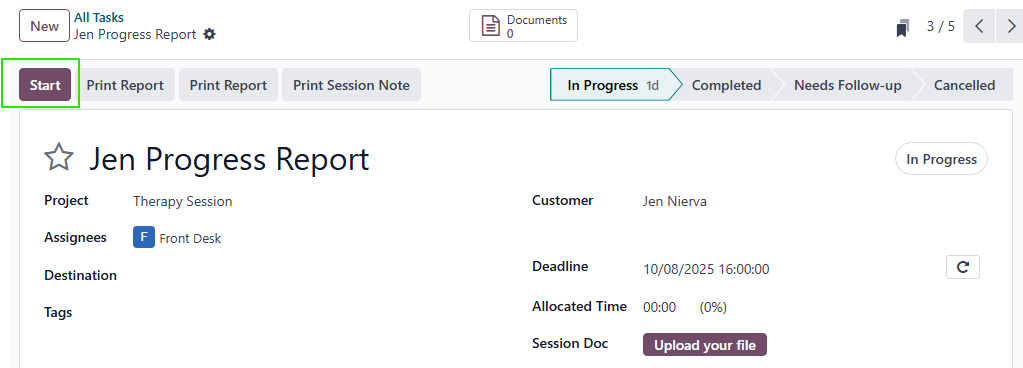
Mark therapy progress and completion
Access internal announcements or resources
🔄 6. Typical Workflow
Client books an appointment online or through the front desk.
System automatically creates a client opportunity in the CRM area.
Front desk reviews the booking and sends a quotation for the therapy package.
Client signs electronically to confirm.
System creates a task for the confirmed therapy session.
Front desk assigns the task to a therapist.
Therapist logs timesheet and updates the status upon completion.
Front desk generates invoice and records payment.
Client receives confirmation of payment and can view all records in their portal.
📘 7. Key Terms
| Term | Meaning |
| Appointment | A scheduled session requested by the client. |
| Opportunity | A potential client or therapy request pending confirmation. |
| Quotation | A formal cost proposal sent to the client. |
| Task | A therapy session or set of sessions assigned to a therapist. |
| Timesheet | A record of time spent on therapy sessions. |
| Invoice | A billing document generated for therapy services. |
| Portal | The online access area for clients or staff. |
💡 8. Best Practices
Always verify client contact details before confirming appointments.
Therapists must log timesheets daily to ensure accuracy.
Maintain notes and session feedback in the task for future reference.
Ensure quotations are digitally signed before starting any therapy task.
Record all payments in the system for accurate financial tracking.